

iCrop
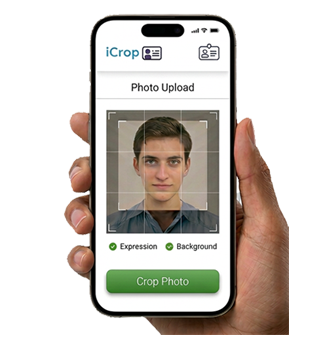
Streamline ID card enrolment with a web-based photo submission system. New users can submit their details and upload a photo for their ID card when enrolling via an online form, eliminating the need for long queues. Our iCrop software also allows users to take ID card photos using their own devices.

Automatically Checks For:
Proper Exposure
Clear Background
Neutral Expression

Not Accepted:
Incorrect Positioning
Sunglasses
Multiple Faces
Filters

Photo Cropping & Approval
After passing initial checks, users crop their photo to the correct size.
The system verifies the crop meets standards.
Auto Admin:
Automatically saves approved photos into iCard and records system.
Manual Review:
Admins can approve or reject submissions with a reason.
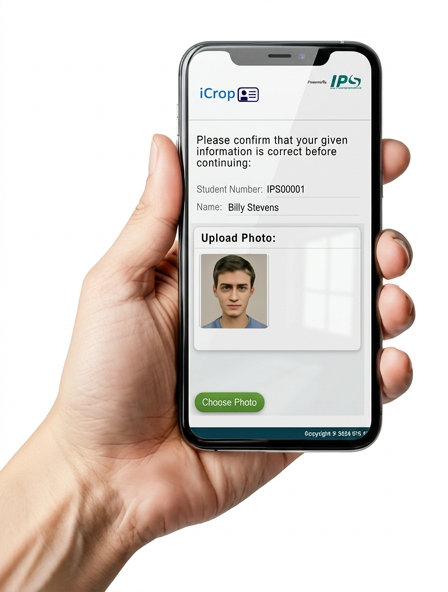

Web-Based Convenience
Fully web-based, no software installation required.
Users can log in on-site or remotely via their account.
Complies with site photo guidelines.
Benefits

Save Costs & Reduce Staff Workload.

Ensures accurate identification

Fully compatible with all our products.

Reduce unauthorized access.

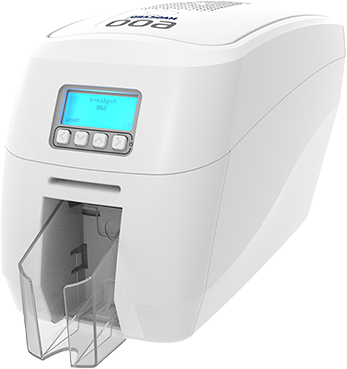
Instant ID Card Printing
Pulls data from your records system so you can easily
look up a user and print them a new ID Card,
in as quickly as 20 seconds.
Once approved, new ID cards can be:
Printed immediately at the reception desk
Printed from any networked printer on site
Eliminates long queues and manual delays.
Why Choose Our iCrop Software?
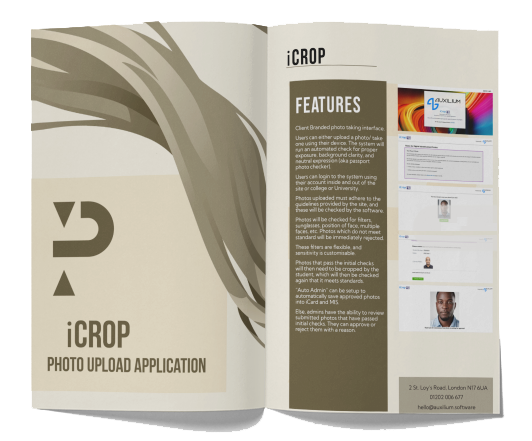
✔️ Reduces queue time and manual workload.
✔️ Ensures security and accountability across all card issuance and access.
✔️ Efficient, flexible, and scalable for organizations of any size.
✔️ Faster ID card turnaround
Talk to us
We are a friendly technical team based in London.
If you have a question, or want to see what we can do, we’re easy to reach.
Monday – Friday, 08:00 – 17:00